Background FPS control
Reduce rendered frames when Minecraft loses focus.
Reduce unnecessary resource usage when Minecraft is inactive, unfocused, hidden or idle—while keeping the client ready when you return.

 Dynamic FPS Mod
Dynamic FPS monitors client state—including active, hovered, unfocused and invisible conditions—and can change frame-rate, volume and supported notification behavior accordingly. Separate idle and battery rules let the game use fewer resources when full rendering is unnecessary.
That makes the mod especially relevant for players who alt-tab often, leave Minecraft open while doing other work, or want lower background load on portable hardware. It is an efficiency tool, not a promise of extreme foreground FPS.
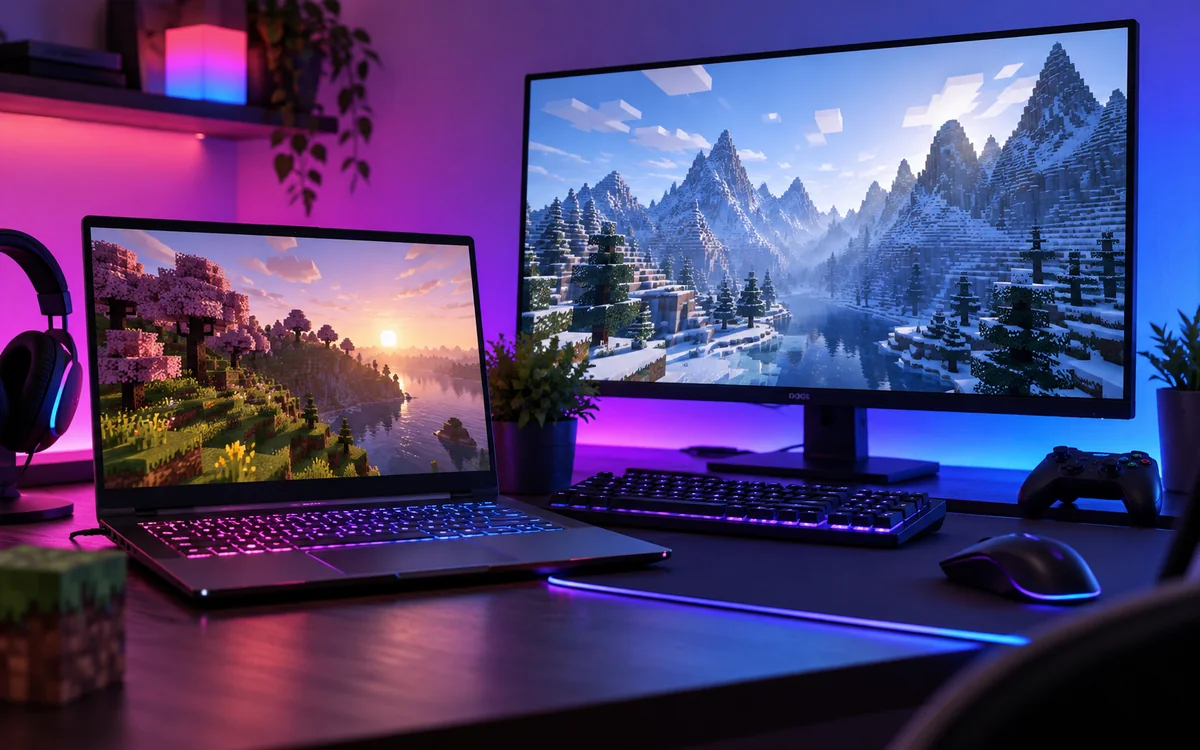
Dynamic FPS concentrates on the situations where Minecraft is open but does not need full visual effort.
Reduce rendered frames when Minecraft loses focus.
Use a separate limit after a configurable period of inactivity.
Lower or change volume behavior while the client is not active.
Skip unnecessary rendering when the game is hidden or obscured.
Apply more conservative behavior on portable devices.
Remain responsive when you switch back to the game.
The mod changes behavior based on the state of the client rather than treating every moment as active gameplay.
Active, hovered, unfocused, invisible, idle or battery-aware.
Use the configured FPS, volume and supported notification rules.
Cancel superfluous frames rather than rendering work you cannot see.
Return to normal foreground behavior when attention comes back.
Dynamic FPS is distributed across Fabric, Forge, NeoForge and Quilt for supported Minecraft Java Edition versions. Availability varies by release, so a loader name alone does not prove compatibility.
Searches such as Dynamic FPS mod TOTK, Ryujinx, Yuzu or Eden refer to a different ecosystem. This site covers the Minecraft Java Edition Dynamic FPS project.

Give foreground applications more breathing room.
Use battery-aware behavior to avoid invisible rendering cost.
Apply a lower-resource profile after inactivity.
Reduce background load when performance headroom is tight.
The required Download button on this site points to the project main source-code ZIP. For normal Minecraft play, use a compiled release that matches your Minecraft version and loader; a source archive is not a drop-in mod JAR.
Download Dynamic FPS Mod
The supplied website download is the project source archive. For ordinary gameplay installation, choose the correct compiled release instead of dropping the source ZIP into the mods folder.
Download NowMost avoidable problems come from version, loader or dependency mismatches rather than from background-FPS control itself.
Keep a copy before changing a working modded instance.
Use the requirements attached to the exact release.
Add or update one performance component at a time.
Multiple modern branches have dedicated releases.
Older modpacks still need version-matched files.
Fabric, Forge, NeoForge and Quilt files are not interchangeable.
Check Minecraft, loader, Dynamic FPS build and dependencies, then test a minimal instance.
Your setup may need optional configuration helpers or use a different loader-specific path.
A responsive client loop can continue while superfluous rendered frames are skipped.
Disable recent rendering/performance mods and re-enable them one at a time.
Installation, compatibility and practical settings—without unrelated filler.

Match Minecraft, loader and dependencies before placing the compiled mod file.
Read guide →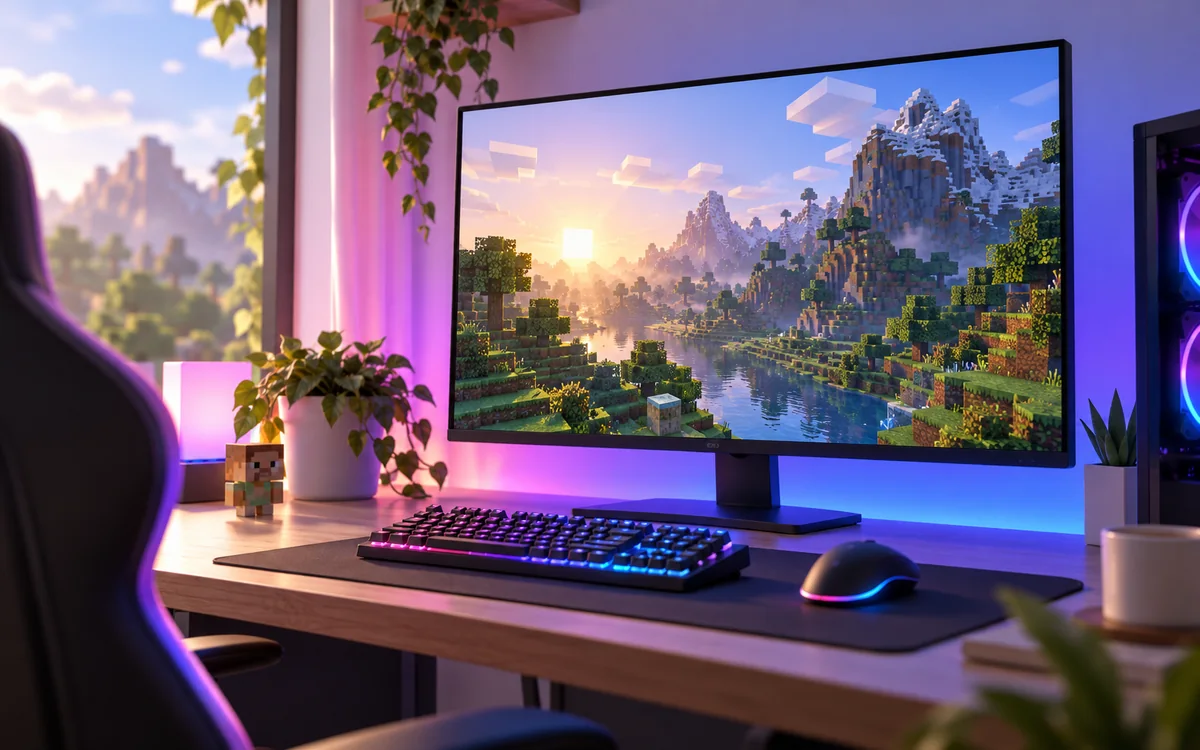
Background, idle, audio and battery-oriented configuration.
Read guide →Twenty focused answers in two practical categories.
It lowers unnecessary client-side rendering and related resource use when Minecraft is unfocused, hidden or idle, depending on your configuration.
Yes. The project targets Minecraft Java Edition and is installed as a client-side mod through a supported mod loader.
Its main purpose is not to create extra foreground FPS. It primarily reduces work when the game is in background, idle, obscured or on battery.
Current project listings include Fabric, Forge, NeoForge and Quilt builds, but exact loader support depends on the Minecraft version you choose.
There are Dynamic FPS releases for multiple 1.21.x branches. Match the exact Minecraft version and loader before installing.
Dynamic FPS has releases across the 1.20 generation. Use a build explicitly marked for your exact Minecraft and loader combination.
Many Fabric releases list Fabric API as required. Dependency requirements can vary by build, so always check the package metadata for your version.
They are commonly optional for configuration access on supported loaders. Core requirements vary by release and loader.
Yes. Dynamic FPS can adjust volume by window state, including unfocused situations, when configured to do so.
It can be useful on laptops because it offers battery-aware behavior and can reduce unnecessary rendering when Minecraft is not actively used.
Choose a build for your Minecraft version and loader, place the mod file in the instance mods folder, install required dependencies, then launch and verify the settings.
The project keeps a responsive client loop while cancelling superfluous rendering frames, which helps Minecraft resume quickly when you return.
Confirm the mod build, Minecraft version, loader and dependencies all match. Then test with only required components before adding other mods back.
Use files from the official project distribution and verify you selected the correct build. This independent site does not host or modify the mod binary.
No compatibility is claimed here. Those terms refer to different software or games; this Dynamic FPS project is a Minecraft Java Edition client-side mod.
No. The purpose is efficient resource management and background behavior, not a promise of 1000 FPS during gameplay.
Depending on your loader and version, a configuration UI may require optional configuration components such as Mod Menu or Cloth Config.
Often yes, but compatibility depends on versions and mod interactions. Add performance mods gradually and test after each change.
Dynamic FPS can detect invisible or obscured states and reduce or cancel unnecessary rendering based on your settings.
Back up your instance, remove the old Dynamic FPS file, install the new file that matches your Minecraft version and loader, then review settings after launch.